How it works
Four steps from sign-up to move-in. No landlords, no scammers, just students.

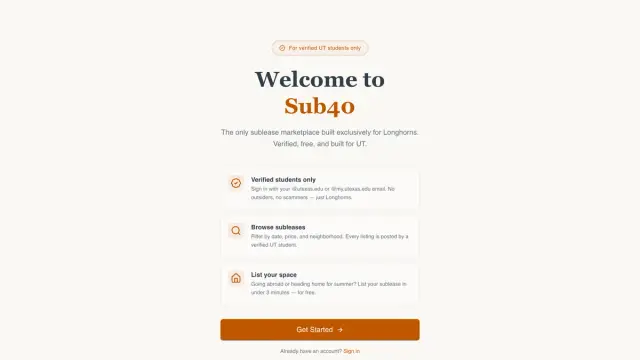
Create an account
Sign up with any email to browse, message, and match. Listing a place still needs an official @utexas.edu, @my.utexas.edu, or @eid.utexas.edu address. Click the verification link we send — takes under a minute.
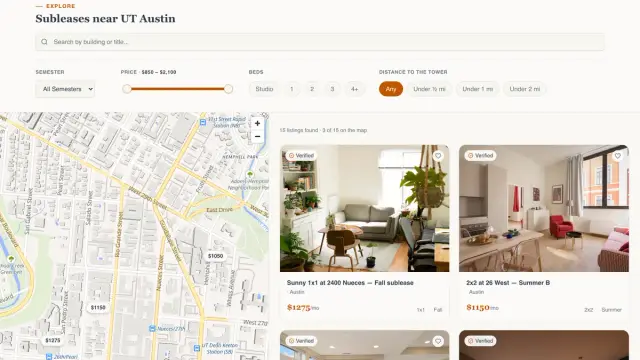
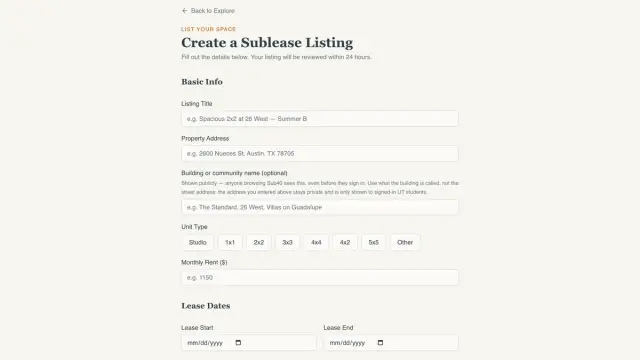
Browse or list
Find subleases near campus using filters for price, dates, and neighborhood, get matched in six questions, or post your own space in minutes. Posting and messaging cost nothing.
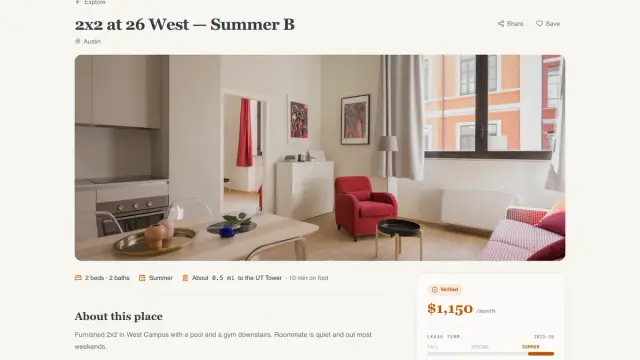
Message the host
Message hosts through our built-in chat. No emails, no third-party apps. Hosts are verified UT students.
Mark it leased
Once someone takes the place, mark the listing as leased. That takes it off Explore. Listing and messaging stay free. When you mark a listing leased, Sub40 collects a success fee from the host: $250 for housing, or 25% of total parking rent for parking-only ($10–$99, from monthly price × lease days on a 30-day month). That is the pilot price for this semester. Boost is a separate option that buys placement, not a lease. Rent and deposits pass between the two students and never through Sub40.
Get your listing to the top of Explore
Placement only. $19 for 30 days. Boost is open for purchase on approved listings. No social tour.
- Top of Explore, above every other listing
- Top of filtered results too: price, beds, distance
- A Boosted badge on your card, the map pin and your listing page
- A spot on the Featured page
- 30 days from the moment the payment clears
Common questions
Short answers about who can join, review, Boost, and what Sub40 charges.
What is Sub40?
Sub40 is a verified student-to-student sublease marketplace for UT Austin. Longhorns list and browse rooms and apartments for a summer or a semester. The company behind it is Sub40 LLC. Cofounders are Zachary Grossberg and Shea Huberman.
Who can join?
Anyone can create an account to browse, message, and match. Listing a place requires an official @utexas.edu, @my.utexas.edu, or @eid.utexas.edu email and the verification link we send.
How does listing review work?
Every listing is read by a person before it goes live. That keeps obvious scams out. Timing depends on the queue. There is no promised turnaround on the site.
What does Boost cost, and can I buy it?
Boost is placement only: $19 for 30 days at the top of Explore. Boost is open for purchase on approved listings. It does not include a social tour.
What is the success fee?
Listing and messaging stay free. When you mark a listing leased, Sub40 collects a success fee from the host: $250 for housing, or 25% of total parking rent for parking-only ($10–$99, from monthly price × lease days on a 30-day month). That is the pilot price for this semester. Boost is a separate option that buys placement, not a lease. Rent and deposits pass between the two students and never through Sub40.
Do rent and deposits go through Sub40?
No. Rent and deposits pass between the two students and never through Sub40.
Does Boost include a TikTok or Instagram tour?
No. Boost buys placement on Explore and Featured only. There is no social tour.